Walk-through

One service cycle, from setup to closing

What the guest, waiter, kitchen, cashier, owner, and operational agent each do, and how the same restaurant record connects them.

01

Configure the outlet and publish the service points

The owner adds business, tax, service, menu, table, floor, staff, and payment details. A printed menu can be imported on-device, or sent to an optional configured AI reader for difficult layouts. The team reviews every item, creates tables or other service zones, and exports the QR assets used at the venue.
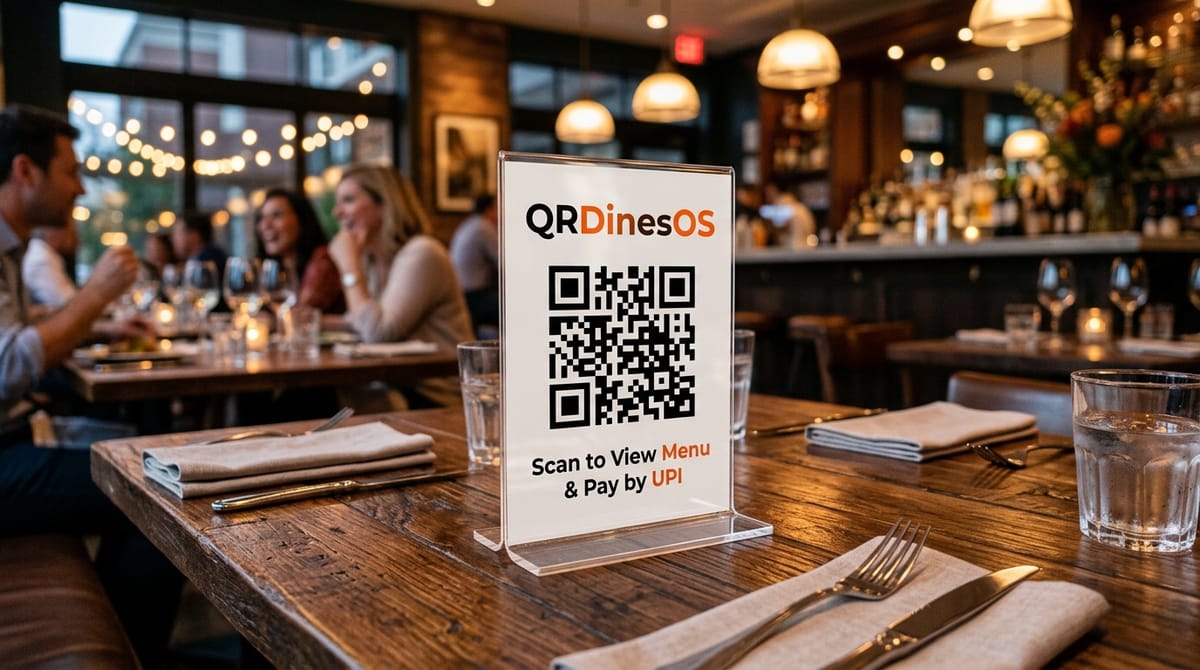
QRDinesOS Table QR Tent in Restaurant
02

Guests or staff start an order in the right context

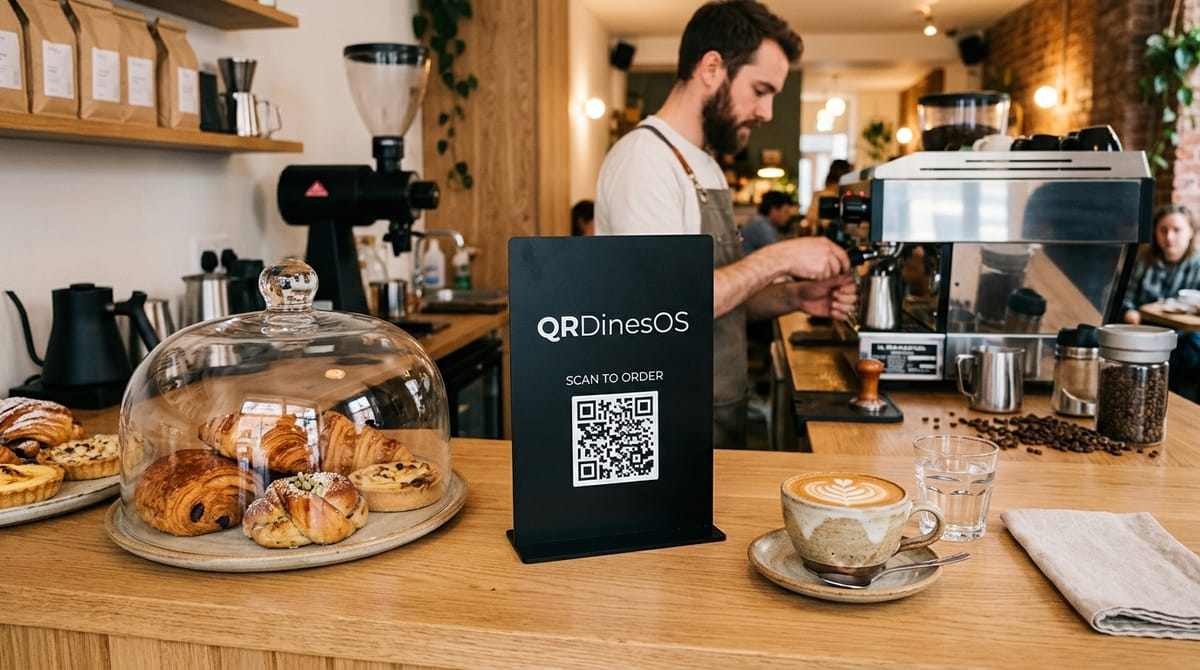
A guest scans with the phone camera and reaches the correct table session without an app or account. They can browse dietary context, select variants, add notes, and order in rounds. Staff can use the POS or waiter screen for dine-in, counter, takeaway, delivery, room, or drive-in orders.

Guest Scanning QRDinesOS Stand at Coffee Counter
03

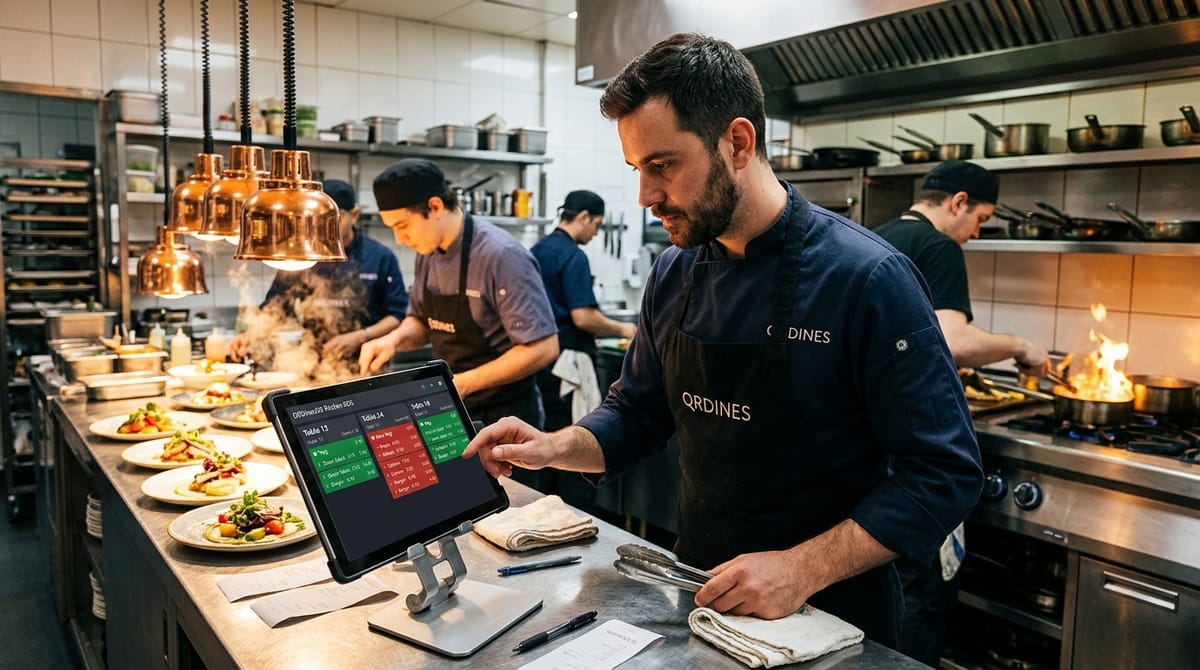
The kitchen receives and fulfils a controlled ticket

The KDS shows incoming tickets with the service context, notes, dietary markers, elapsed time, and station or course information. Cooks move tickets through preparation states, adjust ETA, hold or fire courses, and mark unavailable dishes sold out. Supported KDS actions can queue during a short network interruption and replay after reconnection.

QRDinesOS Kitchen Display Screen KDS
04

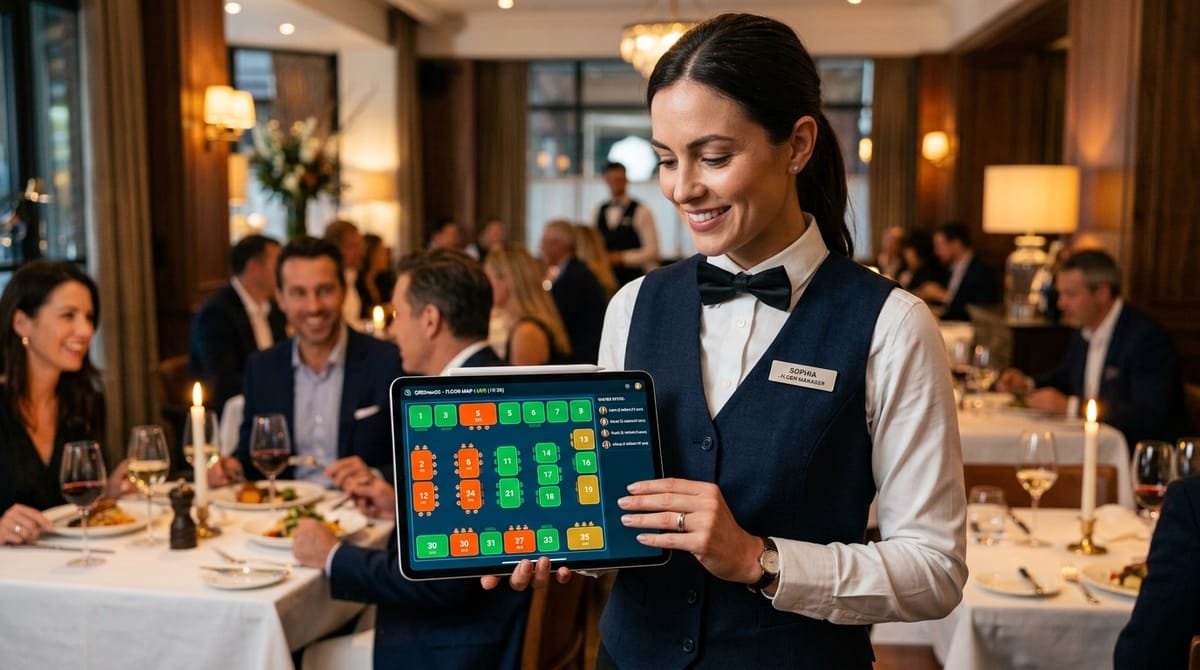
Floor staff coordinate the live service

Waiters see occupied tables, elapsed seating time, running totals, and service requests. They can acknowledge calls, add a new kitchen round, move a session to another table, merge parties, and hand ready items to the correct table or pickup token while role checks protect owner and cashier controls.

QRDinesOS Floor Map and Waiter Operations
05

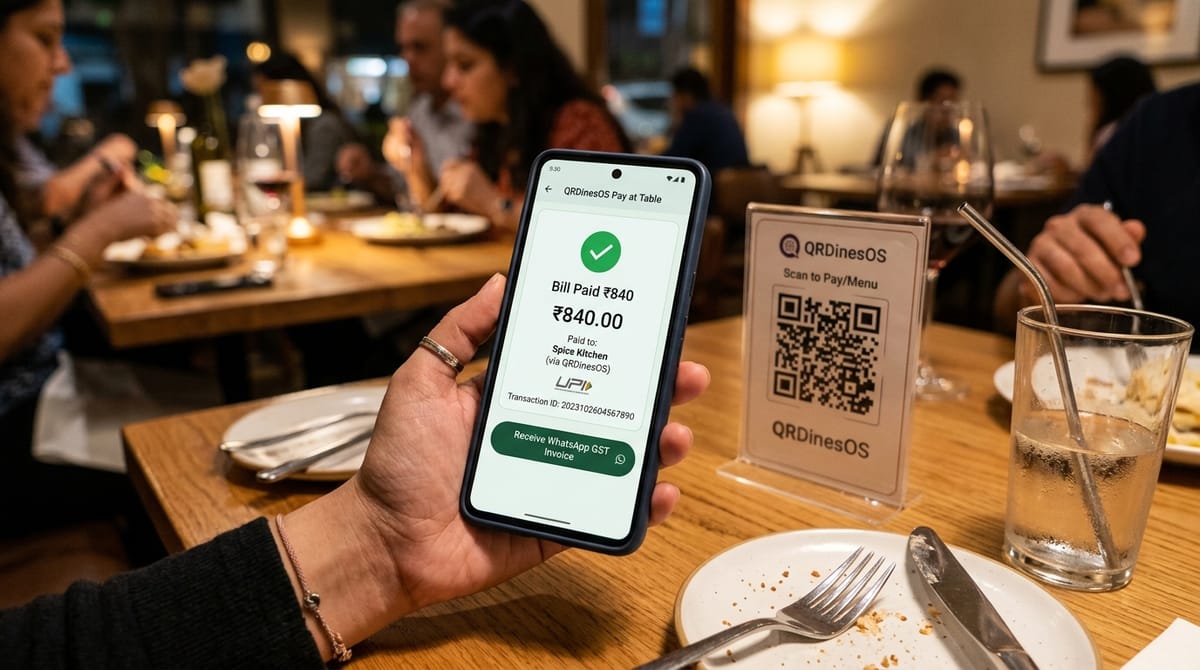
The bill, tax, and payment close the session

The server rebuilds totals from trusted menu prices and produces a restaurant-scoped bill with GST, discounts, tips, service charge, and statutory business details. Guests can open an amount-filled UPI intent or pay by cash; staff verification or a signature-verified Razorpay webhook records settlement. A WhatsApp deep link can share the invoice when configured, without pretending that opening UPI alone proves payment.

QRDinesOS UPI Checkout and Digital Invoice
06

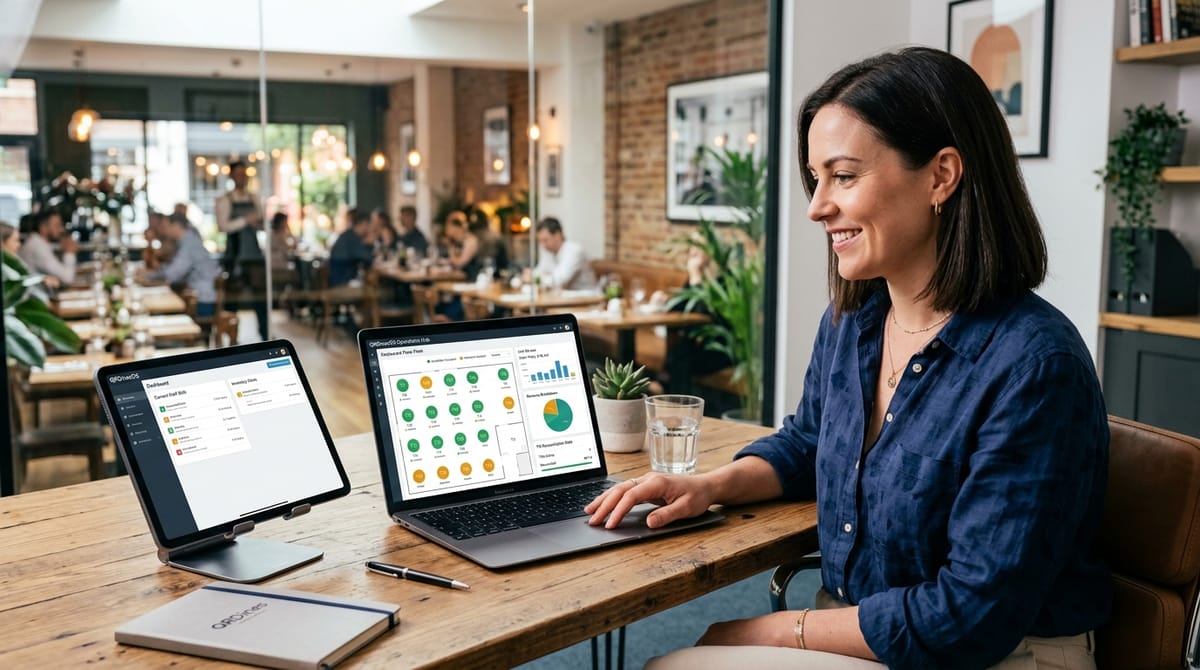
Closing turns service data into the next action

The cashier reconciles float, cash movement, expenses, denominations, and variance. Owners review sales, taxes, payment mix, menu performance, stock, feedback, and staff activity. The Owner Ops agent can turn those records into findings and approval-safe actions; franchise operators can compare authorized outlets without weakening tenant isolation.

QRDinesOS Owner Reports and Operations Dashboard
Unified Operations

What keeps the cycle connected

Tenant-scoped APIs connect the live floor, KDS, POS, payments, inventory movements, customer records, reports, and approval history. The same source data supports daily operations and later reconciliation.

Core browser workflows run on ordinary phones, tablets, and laptops. Thermal printers and payment or delivery providers require supported hardware, credentials, and real venue validation before launch.

QRDinesOS Operations Hub and 2D Floor Plan