For cafés
QR menu for cafés
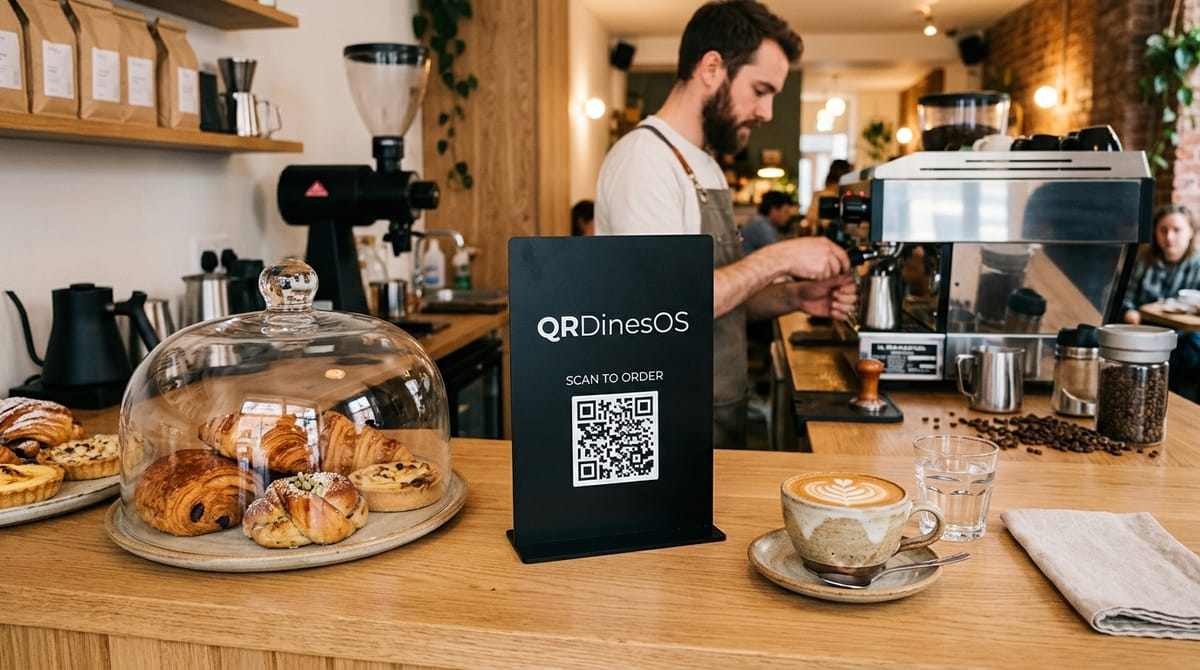
A slow lunch, a laptop, three refills of coffee. You want to open ordering from the table without training the guest, and you want the bill to work by UPI in one tap.
Who this is for
Independent cafés and dessert bars, 6 to 30 seats. A short menu, seasonal specials, a modest but repeat crowd. You've probably tried a printed QR that opens a PDF — this is what it should have been.
What you get, specifically
A QR that opens an actual menu — search, veg dots, add-to-cart, order sent to the pass in real time.
One phone per diner if a table of six shares a QR. Each pays their own; no arithmetic at the till.
UPI at the table, so nobody has to catch a waiter's eye to ask for the bill.
The Google review request flow at the end of the meal — every diner can send private feedback or open your public review page.
Change a special without reprinting the menu — the guests see it the next time they scan.
Frequently asked questions about QRDinesOS for cafés
Can multiple guests at the same table split their cafe bill?
Yes. Diners scanning the same table QR code can select their own items or split the bill equally and pay via UPI directly from their phone.
Do cafe guests need to install an application to view the menu?
No. Scanning the tabletop QR code opens the digital menu instantly in Safari or Chrome within 2 seconds without requiring app downloads or logins.
How does QRDinesOS help cafes get more Google Maps reviews?
After completing payment, guests receive a paperless WhatsApp receipt with a 1-tap Google Review button, converting up to 22% of diners into Google reviews.
Try it on your café
Free plan works forever — QR ordering + kitchen screen, up to 8 tables, no card required.