For restaurants
QR menu ordering for restaurants
Whether you run 12 tables or 60, the shape is the same: your waiters spend more time carrying tickets than food. QRDinesOS puts the ordering on the guest's phone and gives the waiter a phone screen for the room.
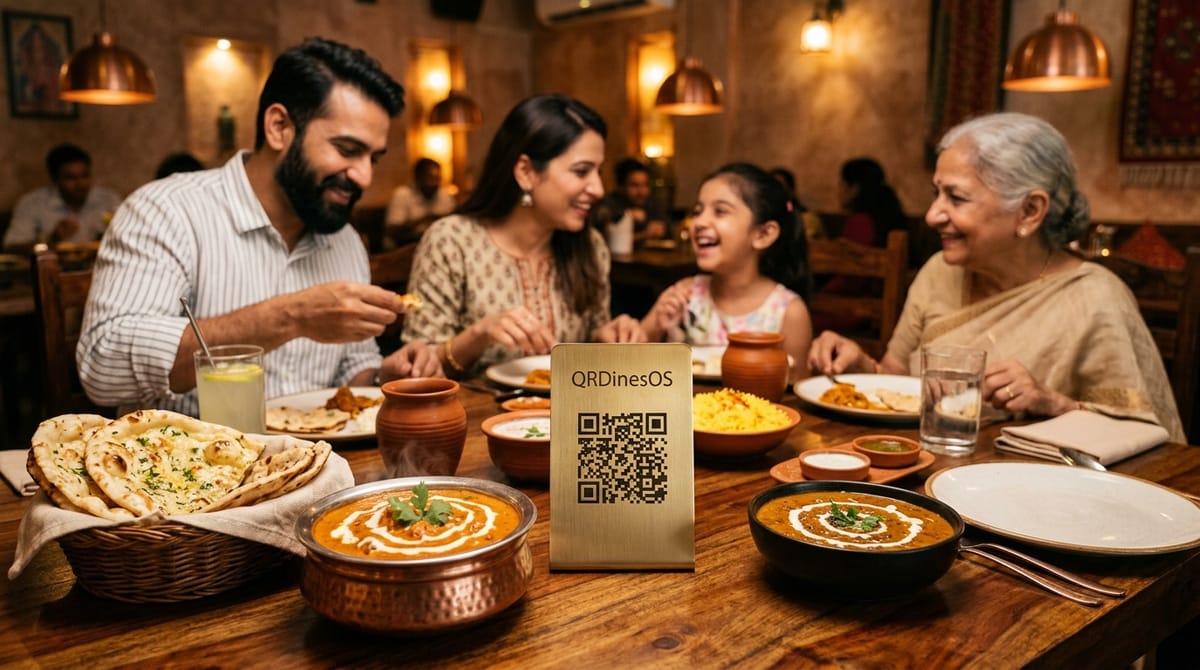
Who this is for
Full-service restaurants, one venue or two. Trained staff, printed menu, table tents on the way. You want a system your kitchen can adopt in a shift and your owners can read a report from.
What you get, specifically
A QR per table; orders bind to the table that scanned. One table can never see another table's order or bill.
Kitchen display with veg marks, chimes, and a large type size — usable across a hot line at arm's length.
Waiter floor screen: one phone shows a waiter their tables, running totals, and who's waiting. Add or remove items on a guest's behalf.
Advanced reports (Pro): category mix, dish-level margin, hourly heatmaps, comparison against last week.
Bill splitting by dish, by person, or by shares.
Frequently asked questions about QRDinesOS for restaurants
How does QRDinesOS prevent table order mix-ups in a busy restaurant?
Every physical table has a cryptographically signed QR code bound specifically to its table ID. Guests on Table 4 can only see and add to Table 4's order.
Can floor captains add or modify items on a customer's behalf?
Yes. The Captain Floor View lets waitstaff add dishes, apply discounts, change table assignments, or enter verbal requests from their own mobile phones.
What hardware is required for the kitchen pass?
None. Any standard iPad, Android tablet, smartphone, or mounted smart TV with a web browser serves as a complete Kitchen Display System (KDS).
Try it on your restaurant
Free plan works forever — QR ordering + kitchen screen, up to 8 tables, no card required.