From Room to Pan: How Hotel Kitchen Display Systems (KDS) Eliminate Room Service Chaos
Lost paper KOTs, misheard room numbers, and delayed runners create bad reviews. How a 3-column digital kitchen display system routes orders from bedside QR to the chef pass in 2 seconds.
Rahul Sharma
Founder & Solutions Architect, Cognoro Tech
- Deploying QRDinesOS requires zero upfront proprietary POS hardware and runs on any phone or iPad.
- Eliminating paper rolls for WhatsApp digital tax invoices saves between ₹4,000 and ₹7,500/month.
- Placing a Google review link on the WhatsApp receipt converts up to 22% of diners into Google reviews.
In a hotel kitchen, in-room dining orders represent both the highest margin and the highest operational stress. Unlike a dining hall where a waiter is physically present to manage expectations, an in-room dining guest is isolated in their room, checking their watch every five minutes.
When the front desk scrawls an order on a paper kitchen order ticket (KOT) and clips it to a wire wheel, errors multiply exponentially:
- Tickets get soaked with gravy or lost during a rush.
- Handwritten special requests like "No butter on roti for Room 402" get misread.
- Food sits under heat lamps for 20 minutes because nobody knew which runner was assigned to deliver it.
The Digital Solution: QRDineOS 3-Column Hotel KDS
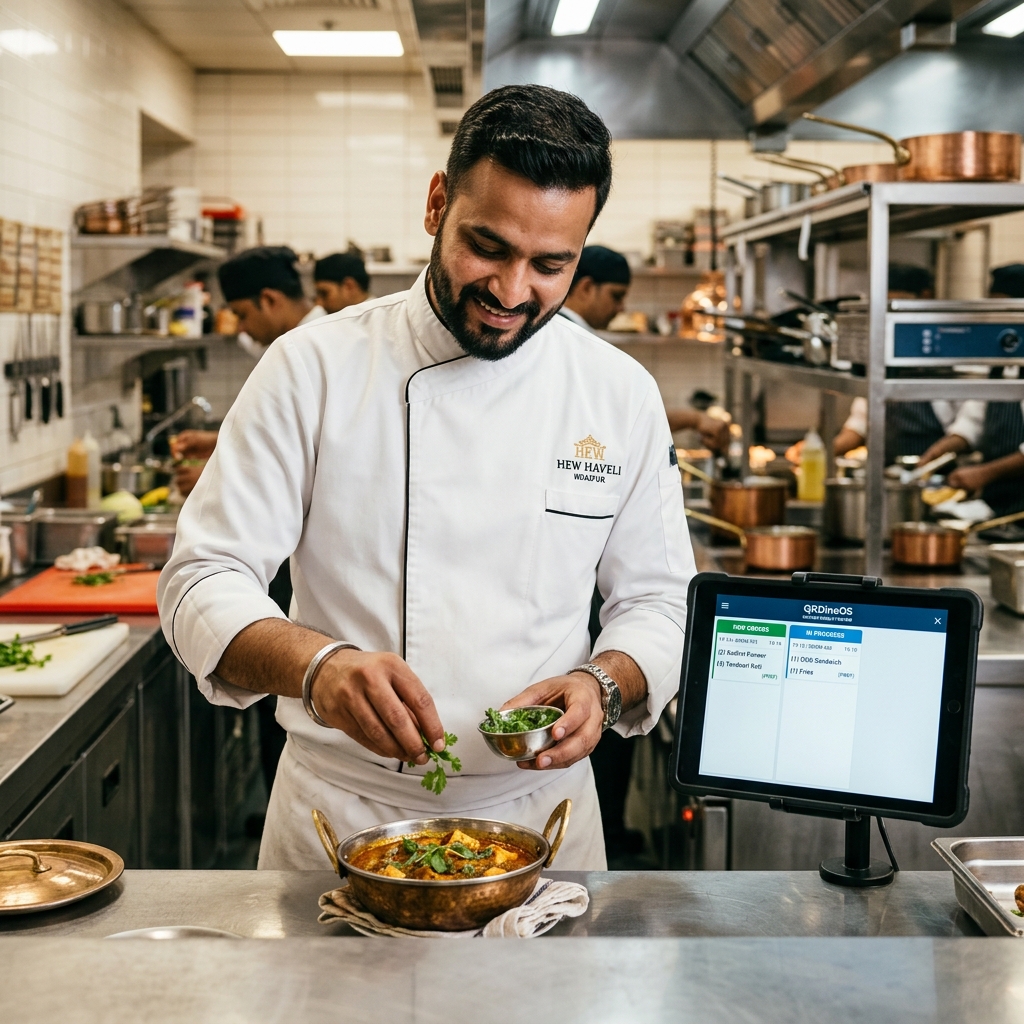
QRDineOS replaces paper slips with an intuitive, cloud-synced Kitchen Display System (KDS) that mounts on any standard Android tablet or iPad:
1. Color-Coded Time Aging
Orders appear with green headers. If preparation exceeds 15 minutes, the ticket header automatically turns amber. At 25 minutes, it pulses red with an audible chime, alerting the executive chef that Room 304 has been waiting too long.
2. Room-Tagged Precision
Every ticket prominently displays the guest's room number in large, unmistakable typography (e.g., ROOM 215), alongside exact dietary notes and guest special instructions.
3. Multi-Course Hold & Fire
If a guest orders soups, starters, and main courses simultaneously, the kitchen pass can fire the starters immediately while holding the main curries on timer, ensuring food arrives piping hot rather than congealed.
4. Runner Dispatch Notifications
When the chef marks a ticket "Ready for Delivery", a notification pings the service runner’s handheld phone, cutting runner pickup delay from 12 minutes to under 60 seconds.
Read more about our Kitchen Display System or check our Hospitality Product Leaflet.
Recommended Reading & Field Playbooks
View all articles →The Swiggy Lobby Leak: How Indian Hotels Lose ₹1.5 Lakhs/Month to Food Delivery (And How to Stop It)
8 min read
The Hotel Intercom is Dead: Why Modern Travelers Refuse to Dial Reception & What Replaces It
7 min read
Visual Menu Psychology: How Hotels Boost In-Room Dining Check Sizes by 35%
9 min read
Experience QRDinesOS on Table #1
Setup your restaurant in 60s with AI Menu Vision. No credit card required.